
One calm front door for AI work
From messy work to handoff-ready output.
Jini helps you finish the awkward middle of work: after the meeting, before the handoff, before the recommendation, before calling something done. It keeps the draft, missing pieces, and next step visible while it chooses the cheapest suitable route by default.
curl -fsSL https://raw.githubusercontent.com/maridlabsai/jini/main/install.sh | bash
jini
In plain words: Jini helps you turn messy work into something ready to send, hand off, or act on, without making you manage model decisions all day.
Install once, then start with jini.
Jini keeps routine work inexpensive and escalates only when depth is justified.
See what is ready, what is missing, and what happens next without status hunting.
Jini keeps the work reviewable before anything is treated as final.
Why people switch
Start from the work you already have
Paste messy notes, a half-finished plan, a screenshot, or a transcript. Jini starts from the real problem instead of making you learn a taxonomy first.
Keep one stable thread
You do not have to keep deciding which model to use or where the context went. Jini keeps the work thread, artifacts, and next move visible while the backend can change underneath.
Spend less without thinking about it
Jini defaults to the cheapest suitable route for routine work and only escalates when the request clearly needs more depth or stronger verification.
Get something you can actually use
The first useful result comes before the summary. Jini gives you the follow-up, readiness check, memo, or itinerary first, then shows what still needs attention.
See Jini in motion
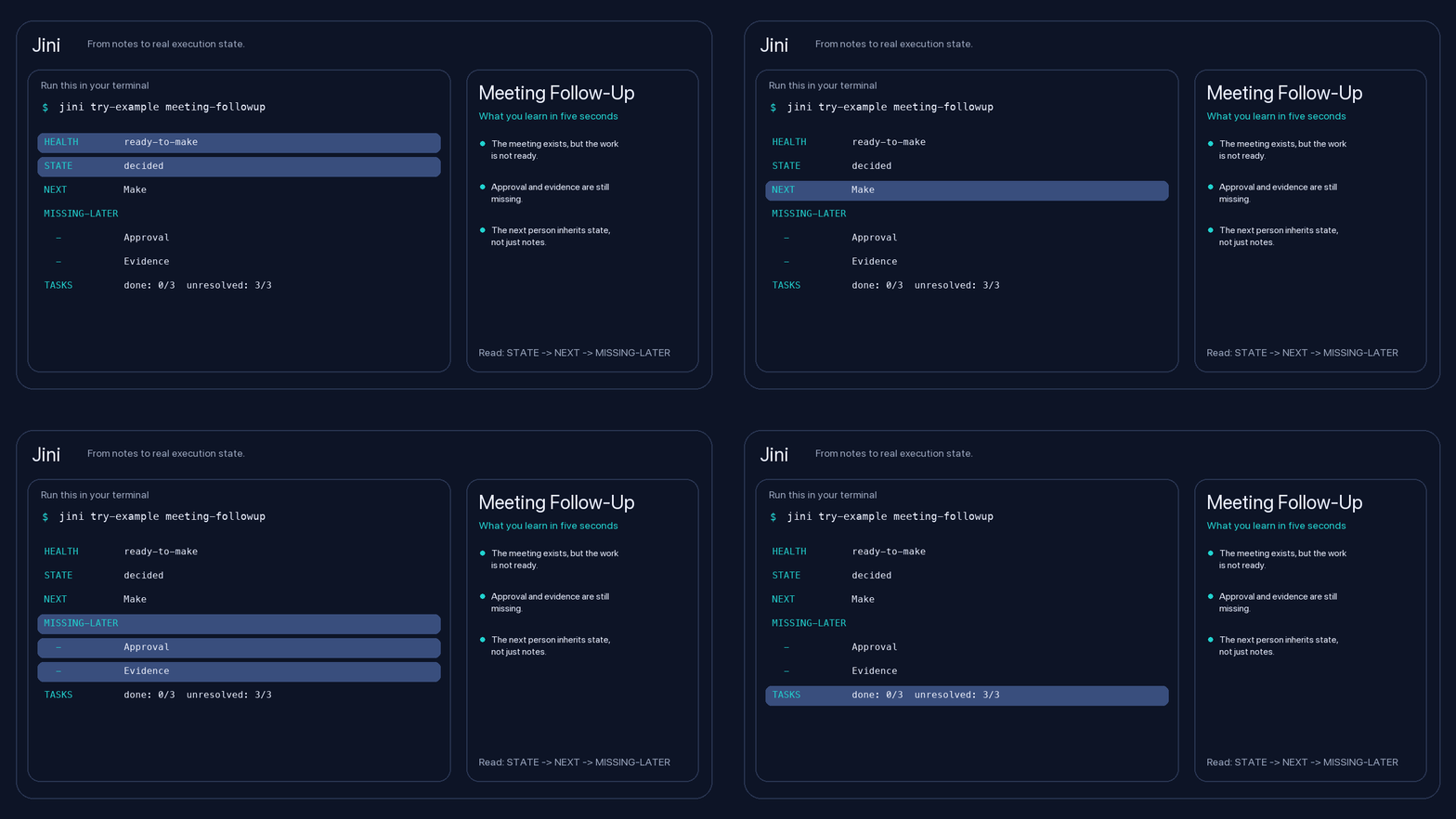
Turn scattered notes into something you can send.
Get a sendable follow-up, decisions, owners, and open questions without rebuilding the meeting later.
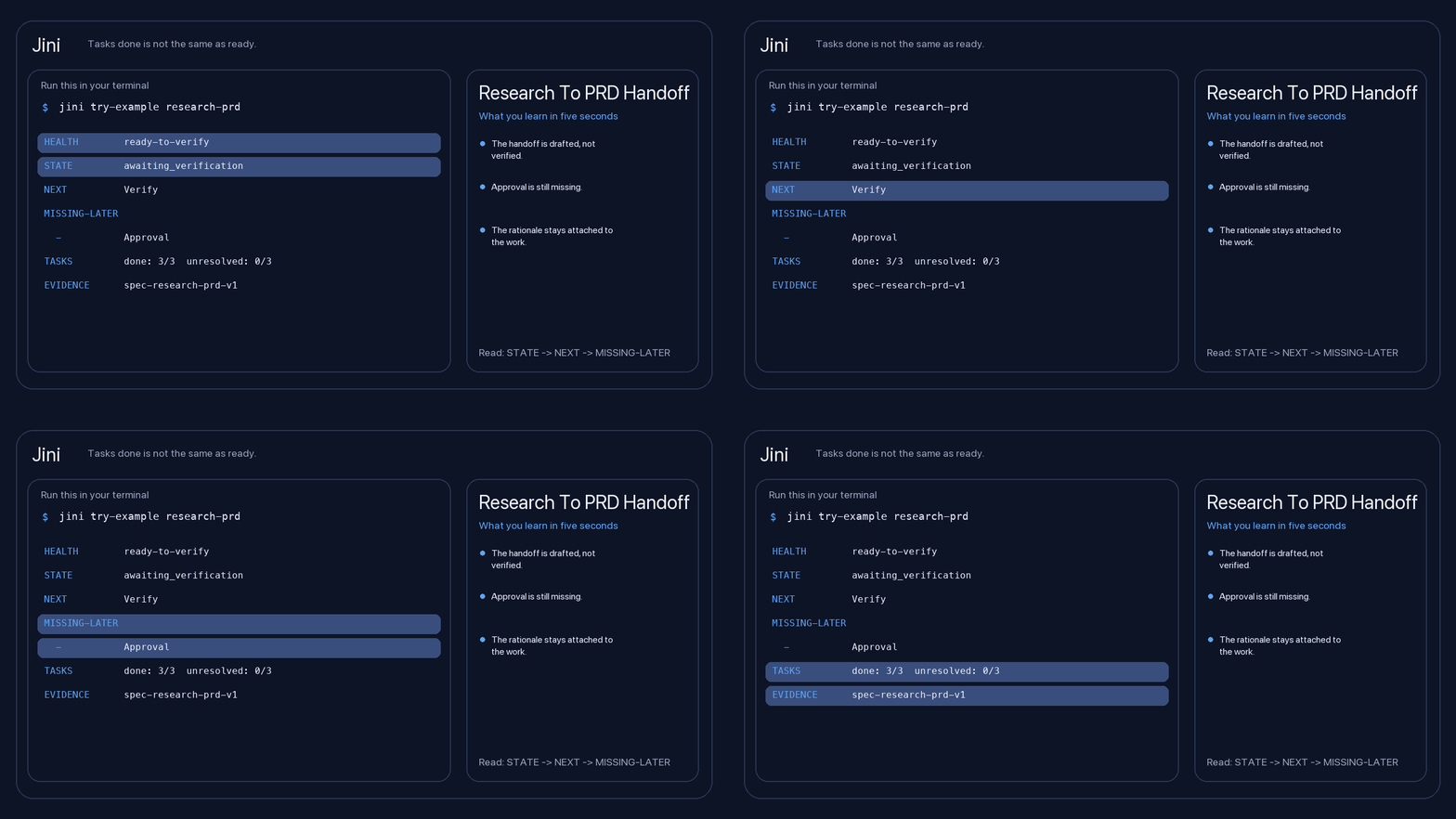
Check whether a plan is actually ready.
See what is safe, what is missing, and what still blocks a real handoff.
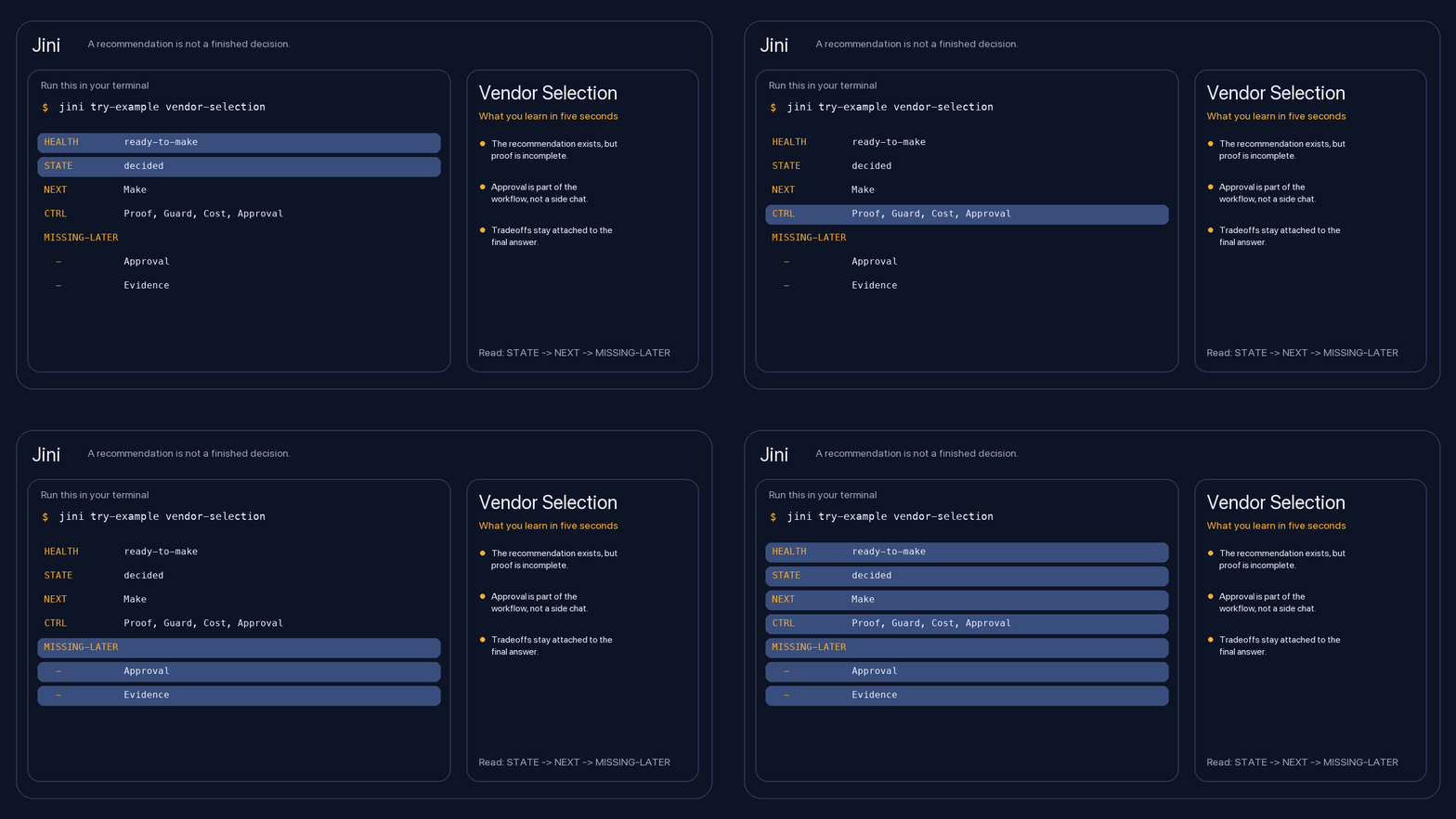
Keep the reasoning attached to the recommendation.
Get an output you can explain later instead of a conclusion you have to reconstruct from memory.
How it works
Paste the work
Start with the real mess: notes, comments, screenshots, a transcript, or a rough ask.
Jini picks the route
It chooses the cheapest suitable tool, provider, model, and effort level, then shows what it chose and why.
Review the result
Get the useful output first, then review what is still missing, what is uncertain, and what to do next.
Built for the awkward middle of work
Follow-up, owners, and open questions
Jini helps when the meeting happened but the sendable output does not exist yet.
Readiness checks and handoff clarity
Use Jini to surface what still blocks a real implementation or approval path.
Itinerary, costs, and decisions still missing
Jini turns scattered planning into something you can actually act on.
Reasoning you can defend later
Keep the evidence and tradeoffs attached to the recommendation instead of losing them in chat history.
Control without cognitive overload
Auto when you want it
Most people should start with jini and, if needed, type Use Auto. Jini picks for you and explains the choice in plain language.
Strict routes when policy matters
If your company requires Claude, Bedrock, Azure OpenAI, or a Local SLM, you can connect that route directly without losing the same work experience.
Visible trust signals
Jini keeps the chosen route, model, continuity, verification depth, missing items, and safe next step visible while you work.
Start with the one command that matters
Install Jini, run jini, and paste the work you want finished.